
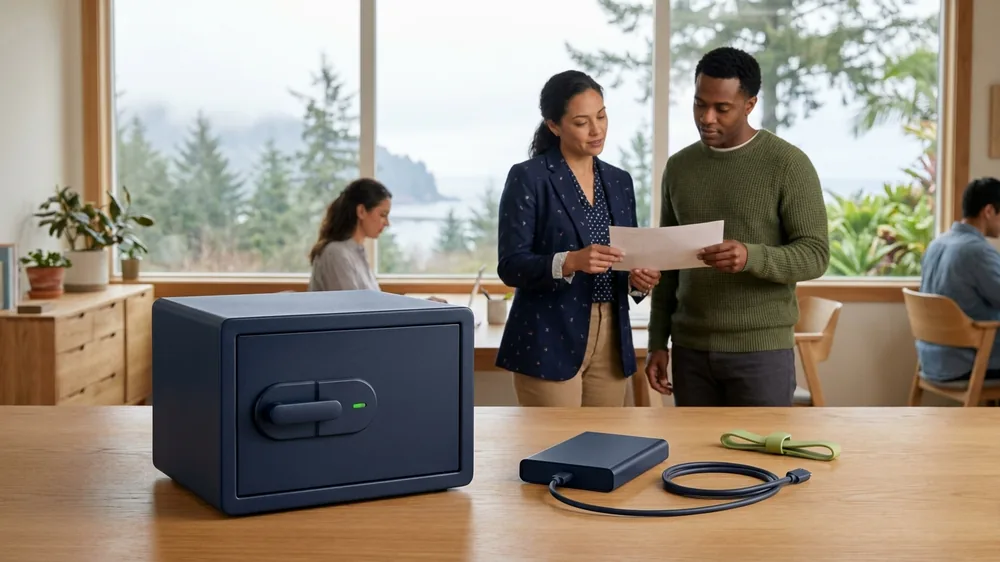
If you’ve shopped for backup or talked to an IT provider lately, you’ve probably run into the words “immutable” and “air-gapped.” They get used as selling points, sometimes interchangeably, and it’s reasonable to wonder whether they’re the same thing, whether you need both, and whether either actually stops ransomware the way the marketing suggests.
The short answer is that they’re two different ways of solving the same hard problem. Modern ransomware doesn’t just encrypt your live files. It goes looking for your backups first, because the attackers know that a business with good backups won’t pay the ransom. Both immutable and air-gapped backups exist to make sure that when the attacker reaches for your safety net, they can’t touch it.
Why attackers target backups first
It helps to understand the problem before the solutions. A ransomware crew that gets into your network does not detonate immediately. They tend to move around quietly, looking for the most valuable data and, critically, for your backups. If they can delete or encrypt those backups before they trigger the main attack, you are left with no clean copy to restore from. That is the whole game. No usable backup means a much higher chance you pay.
So the question is not just “do I have backups,” it is “are my backups out of the attacker’s reach even after they have full run of my network?” Immutable and air-gapped are the two main answers.
What immutable backups are
An immutable backup is one that cannot be changed or deleted for a set period of time, once it is written. The word means unchangeable. The system locks each backup so that for, say, the next thirty days, nobody can alter it, encrypt it, or delete it. Not a regular user, not an administrator, and not an attacker who has stolen administrator credentials.
That last part is what makes it powerful against ransomware. Even if an attacker fully compromises your environment and has all the access in the world, the immutable copy stays frozen until its lock expires. They can rage at it all they want, but the data underneath stays clean and recoverable.
The practical advantage of immutability is that it works while staying online and accessible. You don’t have to physically disconnect anything or swap tapes. The backups are right there, ready to restore from quickly, while still being protected by the lock. That combination of fast recovery and tamper resistance is why immutable cloud and appliance storage has become the default for businesses we work with.
What air-gapped backups are
An air-gapped backup takes a more physical approach. The idea is to keep a copy of your data on something that is disconnected from the network, so an attacker who controls your network simply has no path to reach it. The “gap” is the absence of a connection between your live systems and the backup copy.
This is the classic model behind rotating backup tapes or removable drives that get taken offsite, and it is genuinely effective. If the copy is sitting on a shelf, unplugged, ransomware cannot encrypt it over the network. Some modern systems also do a “logical” air gap, where the backup repository is only briefly connected during the backup window and otherwise sealed off, which gets most of the benefit without someone physically carrying media around.
The tradeoff is recovery speed and convenience. A truly disconnected copy has to be located, reconnected, and restored, which takes longer, and it is only as current as the last time it was connected. Air-gapped protection tends to be your deepest, most resilient layer rather than your fastest.
Do you need both, and do they really work?
In practice, the strongest setups borrow from both ideas rather than treating it as a choice. Immutability gives you fast, tamper-proof recovery for the day-to-day, and an air-gapped or offsite copy gives you a deeper fallback if your primary environment is badly compromised. This lines up with the old, reliable backup principle of keeping multiple copies, in more than one location, with at least one of them out of reach.
As for whether they really stop ransomware, the honest answer takes a moment to explain. They do not stop the attack from happening. They take away the attacker’s hold over you. The reason a business pays a ransom is that paying feels like the only way to get the data back. When you have clean, protected copies the attacker could not touch, you restore and move on instead of negotiating. That is why protected backups are one of the most important layers in preventing ransomware from turning into a business-ending event, and why they sit at the core of how we think about backup and disaster recovery.
One caution worth saying plainly. An immutable or air-gapped backup is only as good as your ability to actually restore from it. Protection from tampering is not the same as a proven recovery, which is why we test restores rather than assume they work.
Where to start
You don’t need to memorize the terminology. What you need to know is whether at least one copy of your backups is protected from an attacker who has compromised your network, and whether anyone has confirmed you can actually restore from it.
If you’re not sure, that’s a good thing to find out before you need it. We’re happy to look at how your backups are stored and protected and give you a straight answer. As a local team in Alaska and Hawaii, we’d rather help you understand your real resilience than sell you a feature you don’t need.